Spend 15 to 20 minutes a day and finish the week with a Notion setup you want to open.
Your Personal Notion Workspace, Set Up in 7 Days
A Home page with an icon, a cover and subpages for Notes, Goals and Ideas
A My Tasks database you can switch between a table and a Board grouped by Status
8 slash commands practiced on your own pages, from /to-do to /callout
The exact steps to bring back a deleted page from Trash
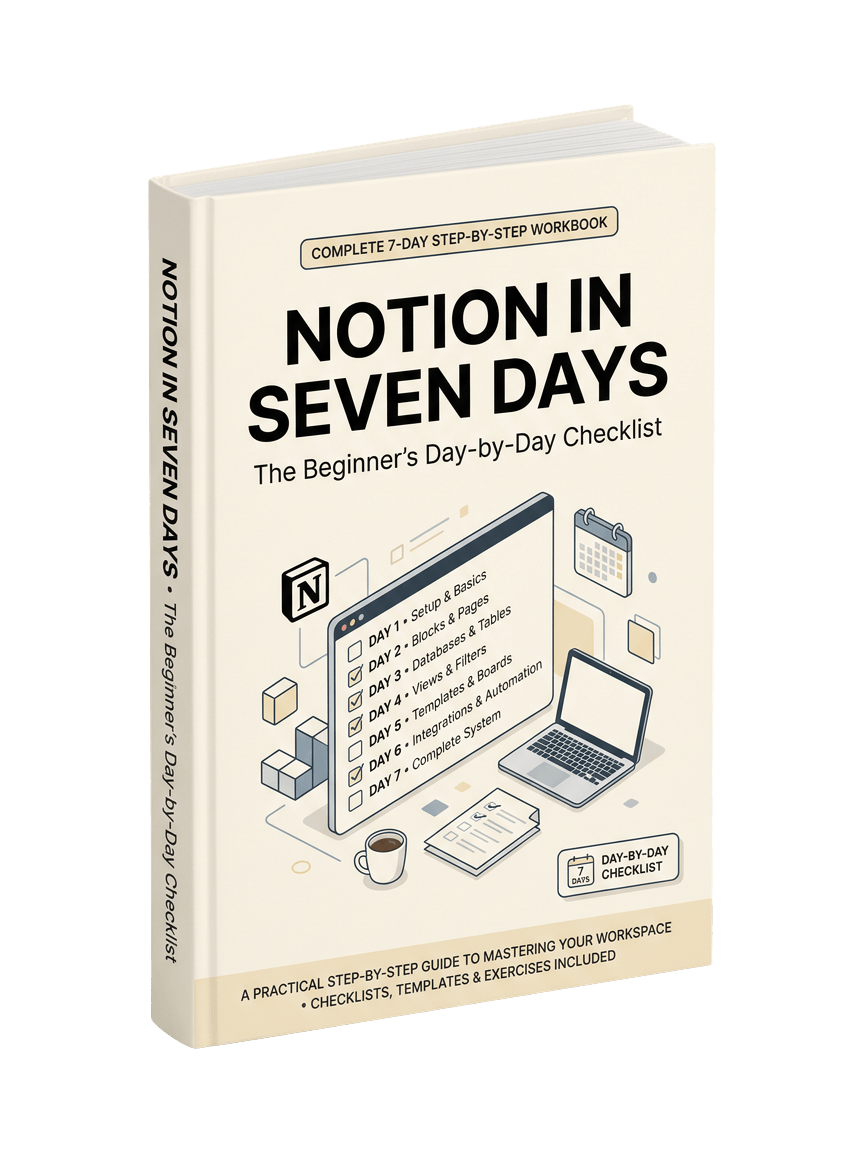

7 Short Days, 34 Small Actions
Each day gives you one goal and a short list of actions to tick off inside your own Notion. Everything works on the Free plan. By Day 7 you’ll have a Home page, a task tracker, a free template and a clear idea of how sharing and Trash work.

Pages With a Place
On Day 3 you create a Home page, give it an icon and cover, then add Notes, Goals and Ideas subpages. Breadcrumbs help you jump back home.

Tasks on a Board
Turn five real to-dos into a database with a Status and a due date. Add a Board view and drag a task from Not started to In progress.

Share Without Worry
Invite someone by email, check whether they can view or edit, and leave a comment. Then delete a test page and restore it from Trash.

About The Author
Taki
(with my husband, Greg's, support)
I created this Notion in 7 Days checklist because I remember exactly how it feels to open Notion for the first time.
You sign up, excited to get organized… and then you’re staring at a blank page with too many options and no clear starting point. Most tutorials either overcomplicate things or assume you already understand the basics. That’s where people get stuck.
Instead of giving you 50 features to learn, I focus on the small handful of things you actually need to get up and running. The goal isn’t to build the “perfect” system. It’s to help you build a simple, clean setup that works — today.
If you follow it step by step, you’ll go from confused to organized in under an hour. And once you have that foundation, you can improve and customize your workspace over time.
My goal is simple: help you start using Notion with confidence — instead of overthinking it.
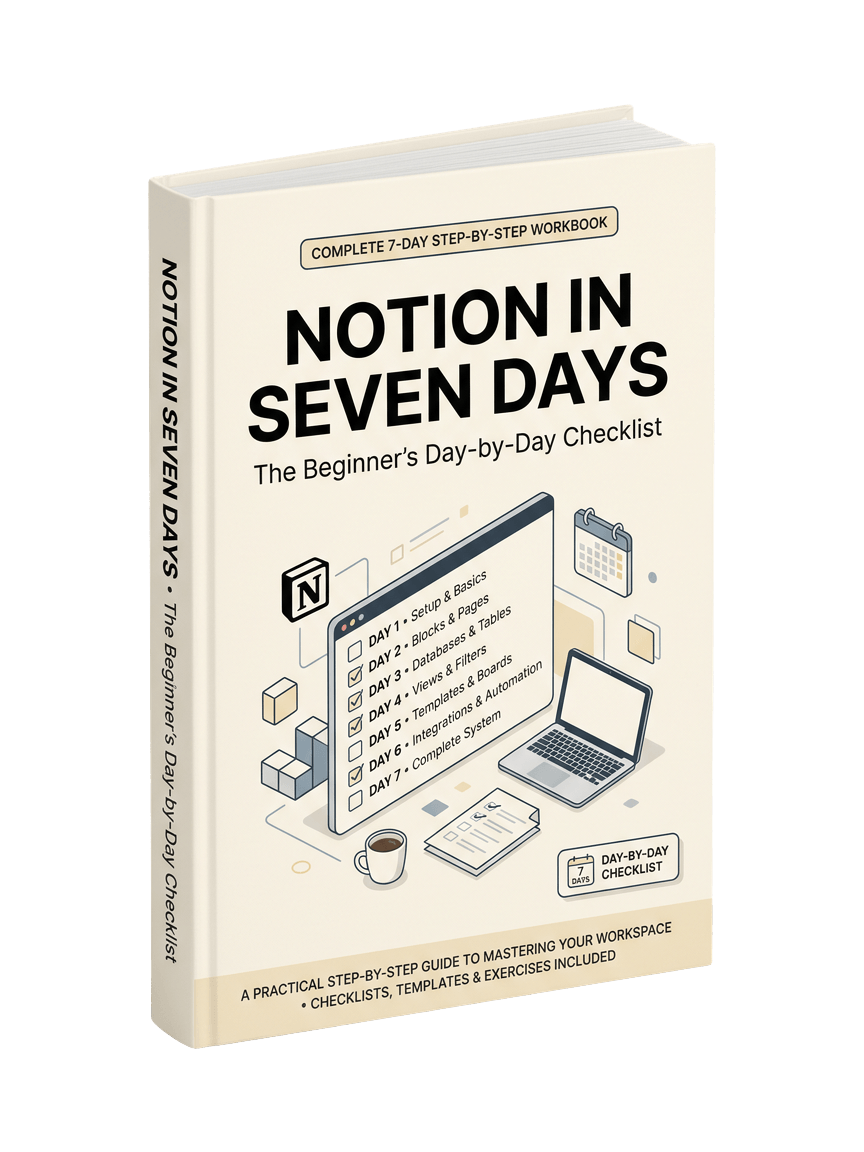
One Week From Blank Page to Home Page
Follow one day at a time and you’ll end the week with a Home page, a task tracker you can view as a board, and a free template cut down to what you need. You’ll also know how to share a page safely and restore anything from Trash.
Have Questions? Look Here
Good to Know Before You Start
No. Every step uses Notion’s Free plan. The Day 6 template comes from the free section of the Notion Marketplace.
Day 7 covers exactly that. You’ll practice restoring a page from Trash and opening Page history, which keeps earlier versions for 7 days on the Free plan.
Each day takes about 15 to 20 minutes, so the whole week adds up to roughly two hours. If you miss a day, just pick up where you left off.
Neither. It’s a short printable checklist with 34 tick-box actions that opens in your browser on the next page. Keep it beside Notion and start Day 1 straight away.
Yes. When you enter your email, you also join my email list. You can unsubscribe at any time.
Home - Privacy Policy - About - Contact - Affiliate Disclosure
© Copyright 2026 - All rights reserved
Wait! Get Your Notion Workspace Set Up in 7 Days
No spam, ever. Unsubscribe anytime.