This beginner-friendly Notion course shows you, step by step, how to turn Notion from a confusing blank page into one place that runs your whole day.
You're Just One Weekend of Learning Away From a Notion Workspace That Actually Works - Without Copying Templates You Don't Understand
Join this best-selling Notion course and learn the exact steps to organize your tasks, build your own databases and planners, and set up a dashboard you'll open every morning - without drowning in YouTube videos or rebuilding your workspace from scratch every month.
Your Bonus Is Ready. Watch Now!
You are covered by a 30-day guarantee. 🔐
Learn the exact process the instructors - founders who run their businesses in Notion every day - use to organize their work and life.

Most people learn Notion in random bits: one video on databases, another on templates, and nothing connects. This course takes you through it in the right order, from your very first page to databases, filters, formulas and dashboards. That's why it matters: once the basics click, everything else in Notion stops feeling like magic and starts feeling easy.
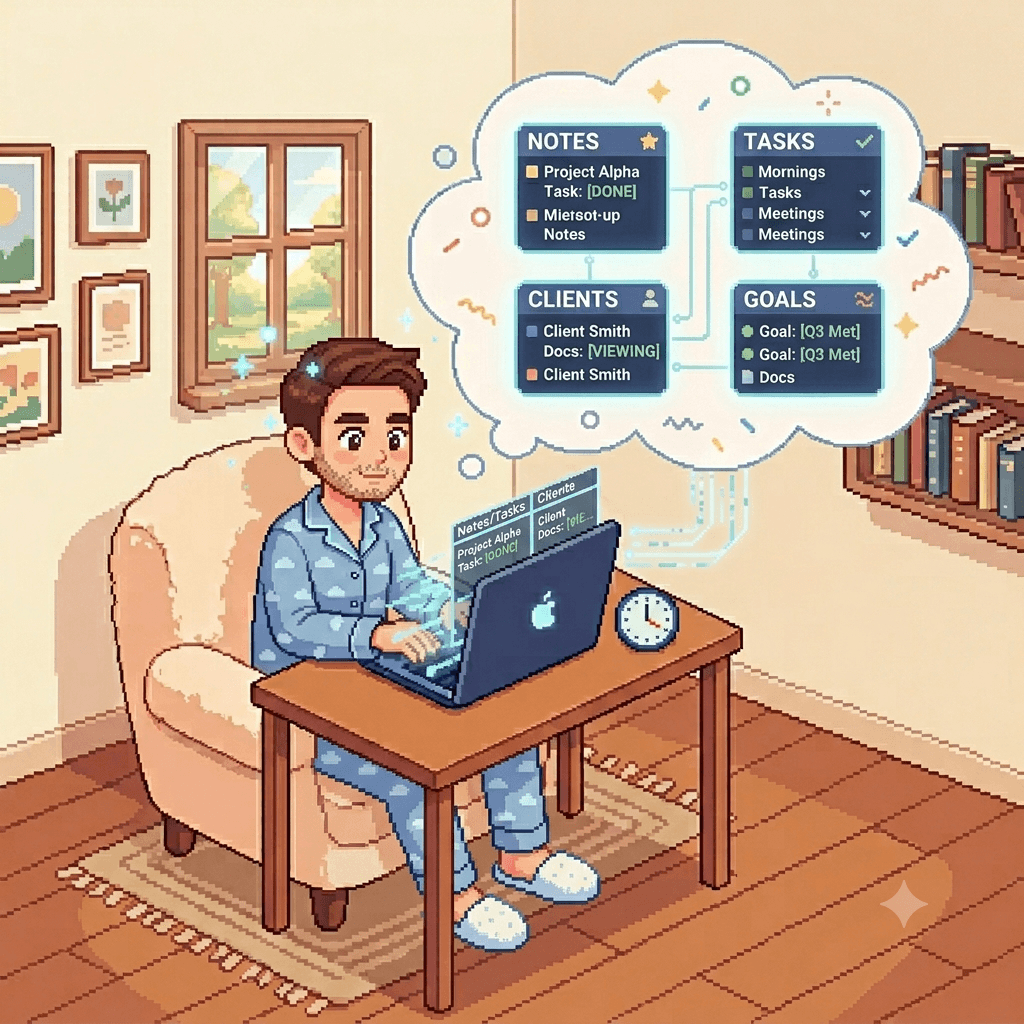
Imagine opening your laptop in the morning and seeing your whole day on one page: tasks, notes, deadlines, all in one place. Imagine ticking off a task and watching your progress bar move while you're having coffee… Imagine finally proving to yourself that you can build a system that works - without months of trial and error.

By Day 14, you'll have your own working Notion workspace - planner, task tracker and dashboard included!
The course is built to take you from complete beginner to confident in about two weeks, at your own pace. You won't just watch: you'll build as you go, so at the end you have a real workspace you use every day. And if you get stuck, there are 31+ templates you can copy and learn from.
Imagine never asking "where did I save that?" again. Imagine your projects, notes and to-dos linked together, so one click shows you everything. Imagine being the person friends and co-workers ask: "How did you set that up?"
That isn't far away!
In fact, it's just a couple of weeks away.
And this course walks you through every single step - so you can go from blank page to organized workspace without the overwhelm, the endless tutorials, or the "I'll start over next month" cycle.
You are covered by a 30-day guarantee. 🔐
See what you will learn!
Let's break down what you'll learn inside Notion Basics to Advanced 2026.
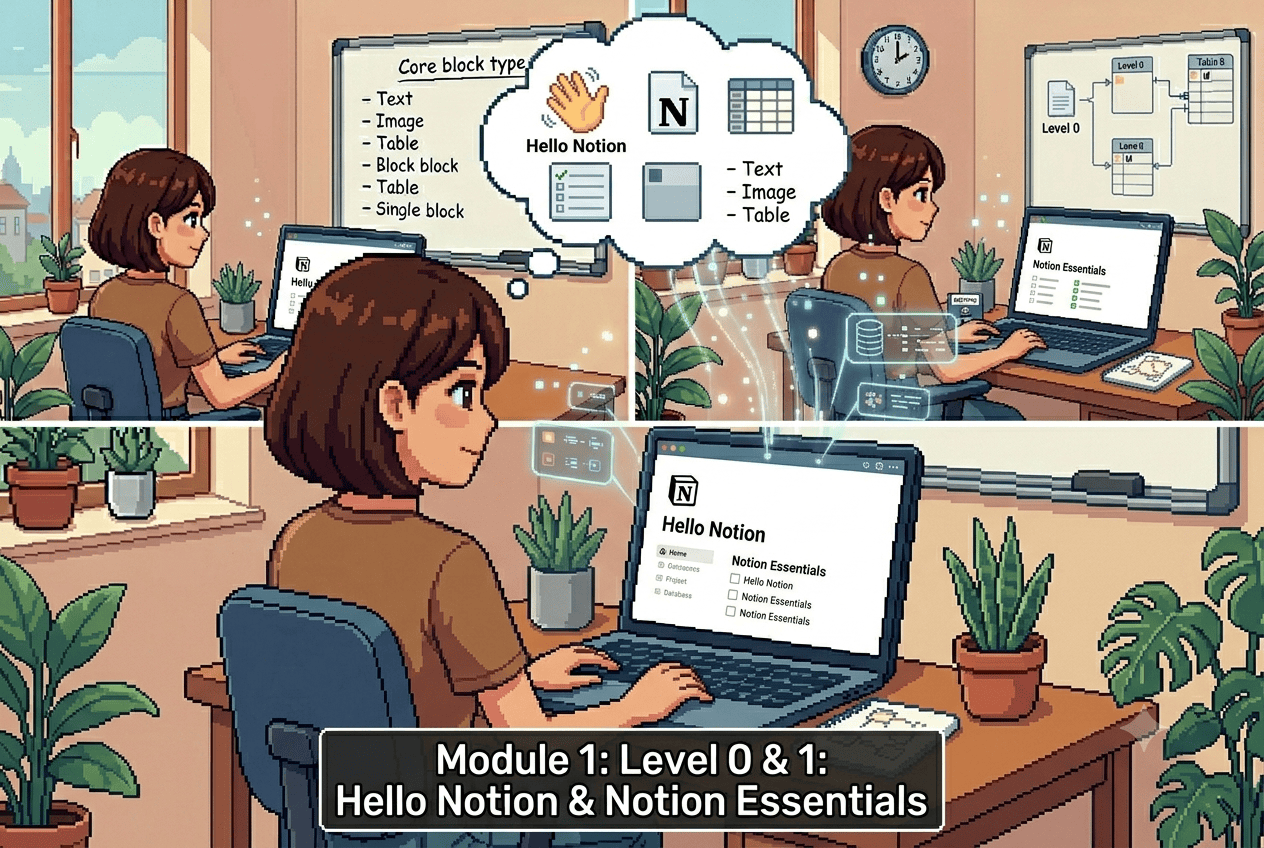
Module 1: Welcome & Getting Started
What Notion is, free vs paid plans, and setting up your account the right way from day one.
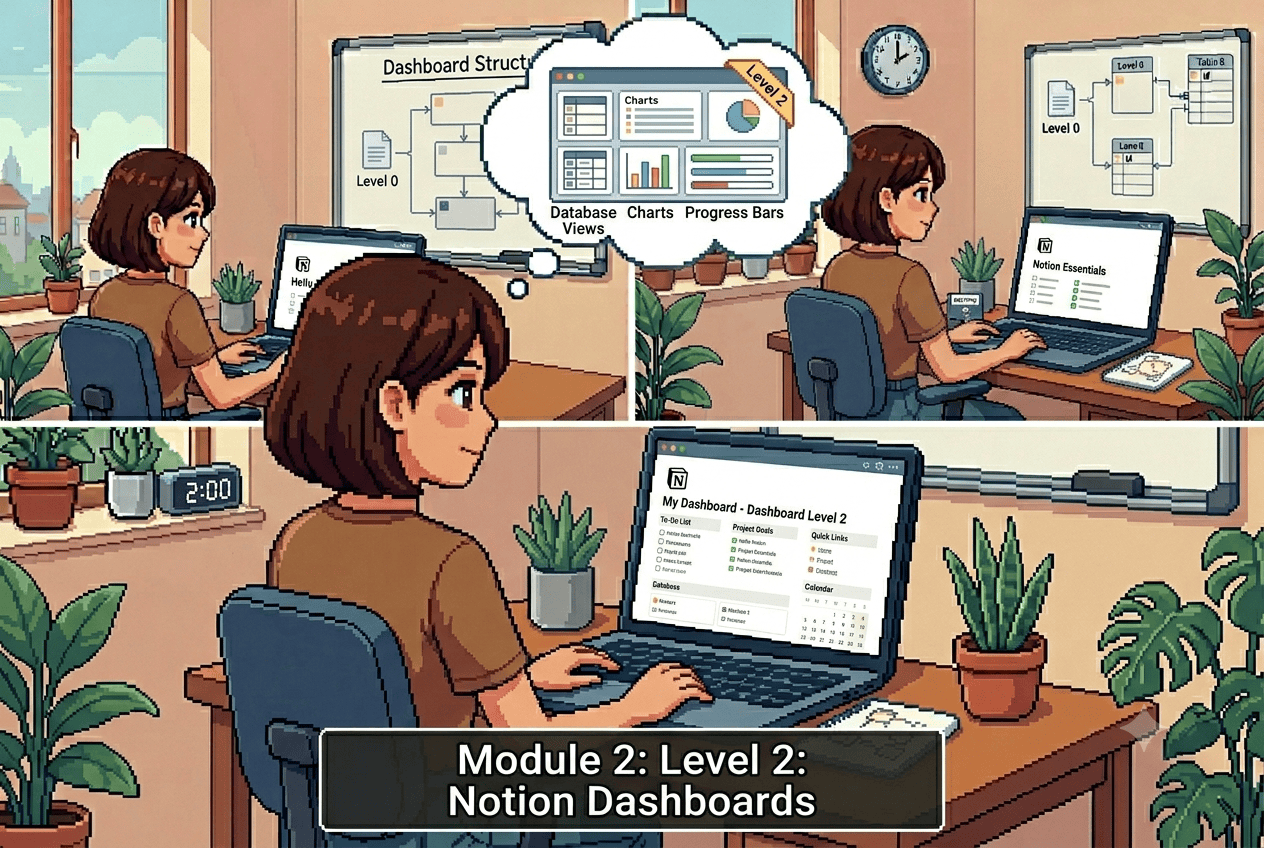
Module 2&3: Notion Pages
Every page feature: blocks, headings, toggles, columns, and the shortcuts that make you twice as fast. Make your workspace look clean and beautiful, plus build simple websites and blogs inside Notion.
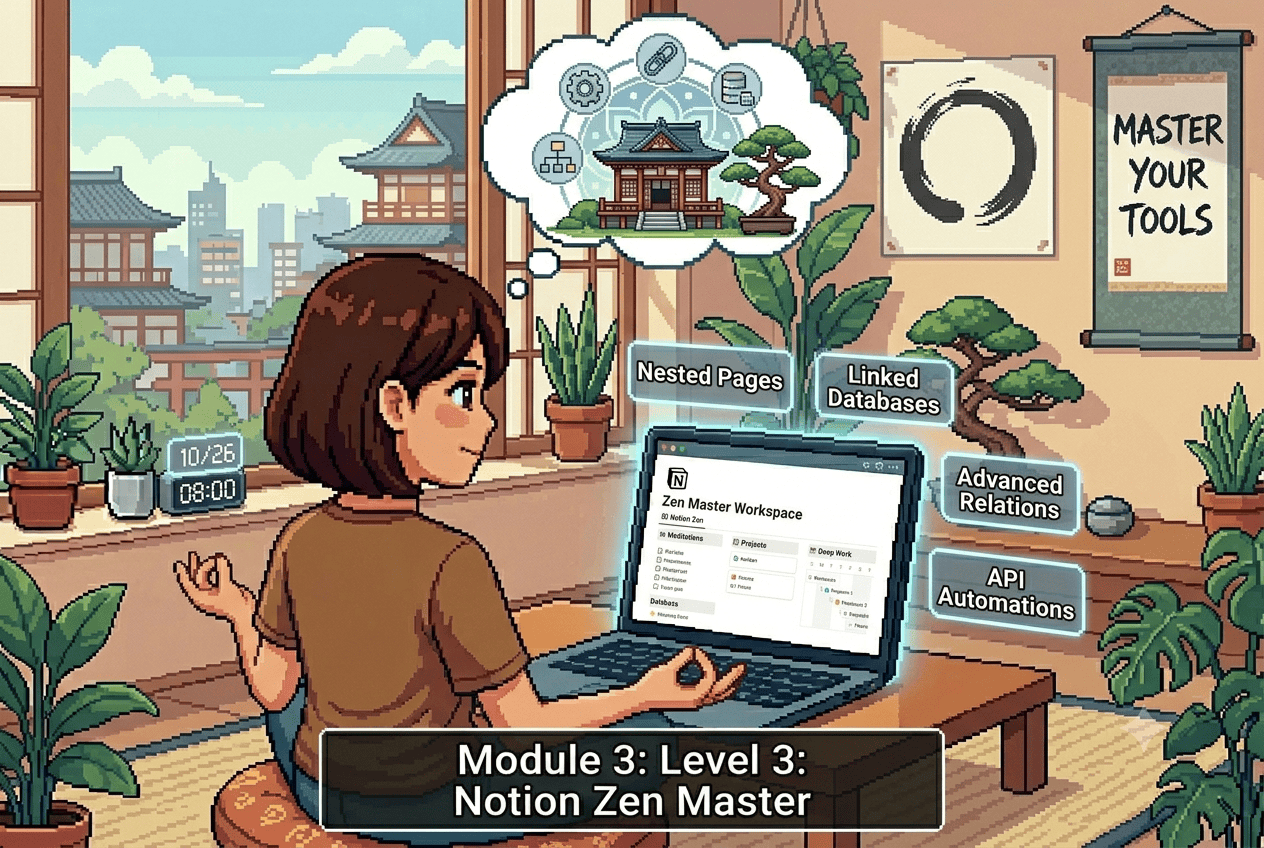
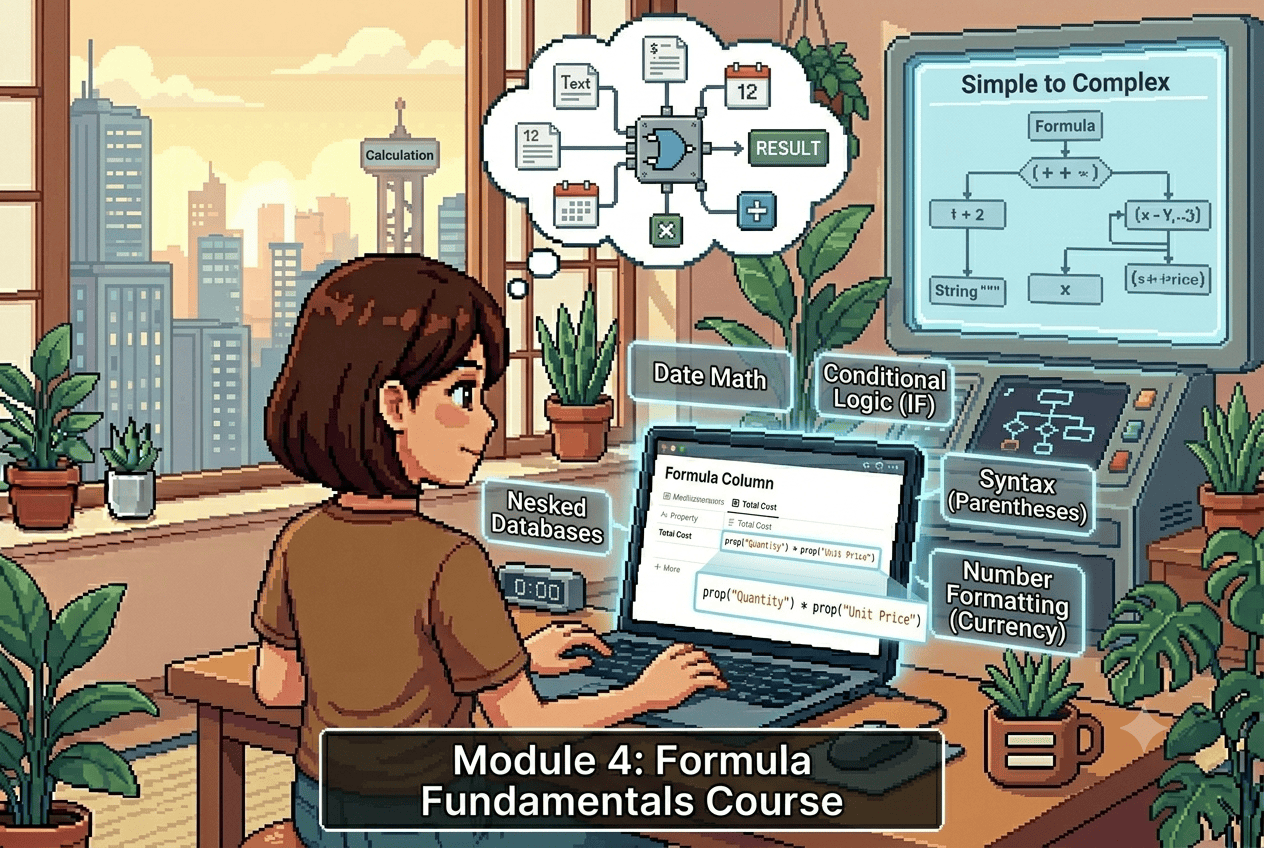
Module 4&5: Notion Databases
The heart of Notion: tables, boards, calendars and galleries, and how to build your own trackers. Filters, sorts, formulas, linking databases together, and the project tracker and CRM templates.
Module 6&7: Notion Forms - Advanced Notion Productivity Features
Collect answers with a form and see them land straight in a database. Little-known hotkeys and power features, plus Notion AI for summaries, action items and ideas.
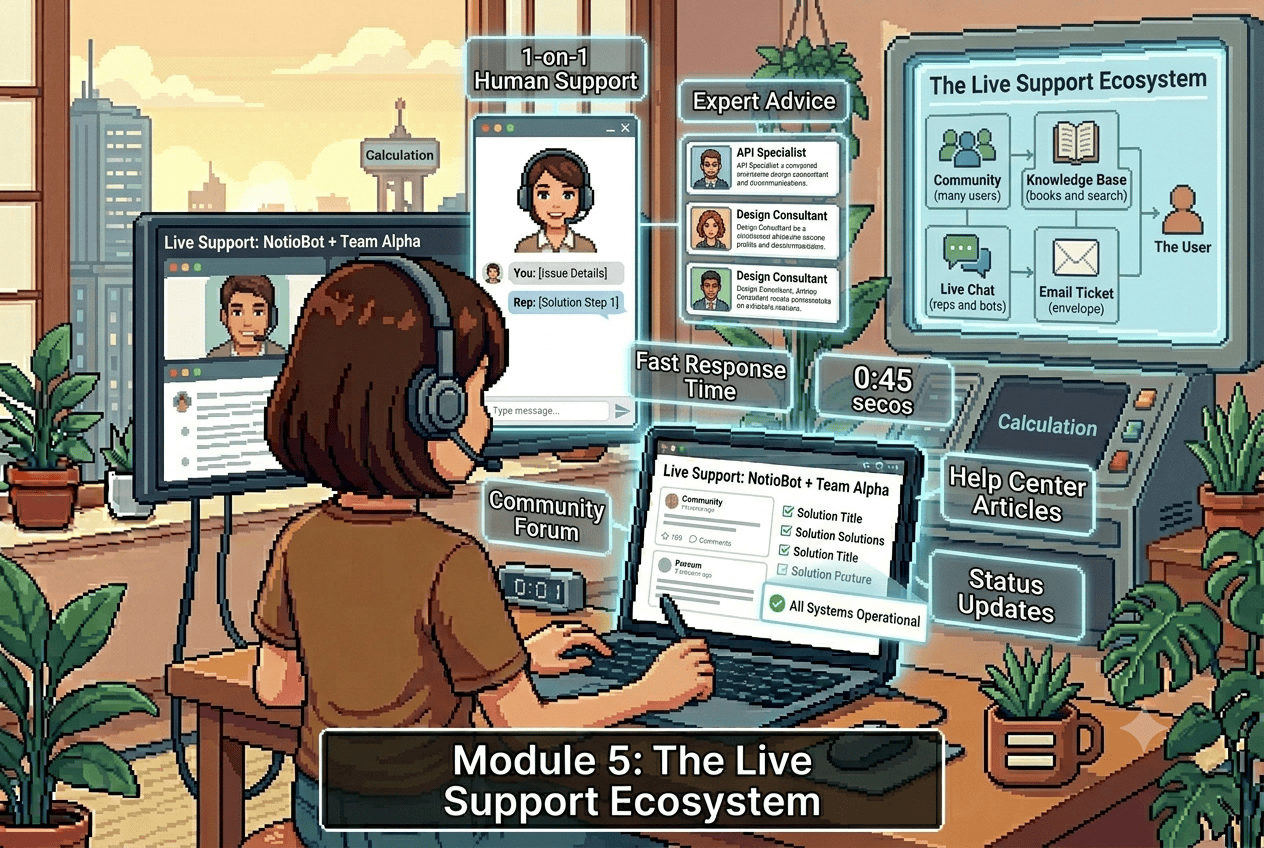
Module 8-10: Notion for Teams & Collaboration, Integrations and MORE..
Shared workspaces, permissions and task tracking for teams and project managers.
Connect Google Drive, Slack, Zapier, Typeform and ChatGPT to Notion.
Get the extra special bonuses!
That's Not All You will Also get Some Special Bonuses!
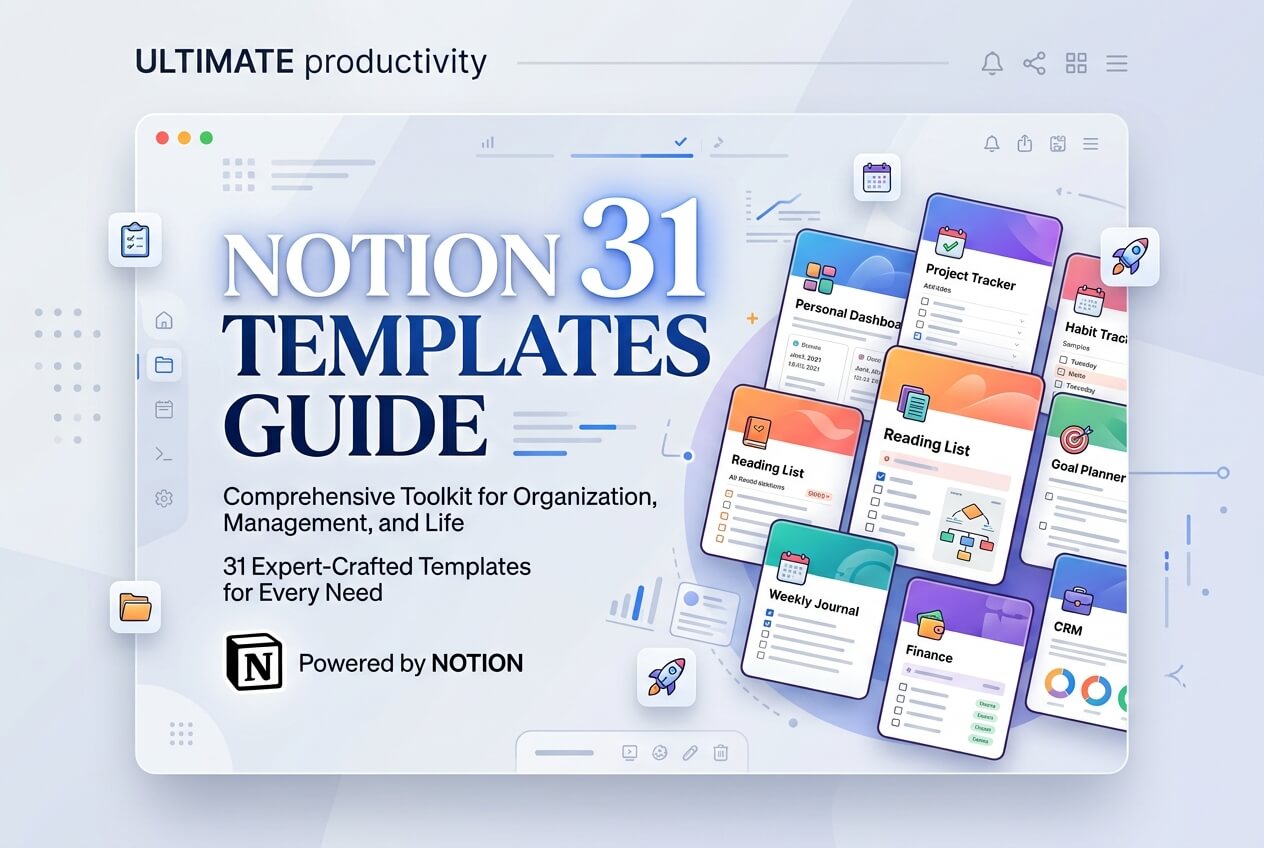
Bonus 01
31 Templates Guide: turn those 31 templates into a coherent system
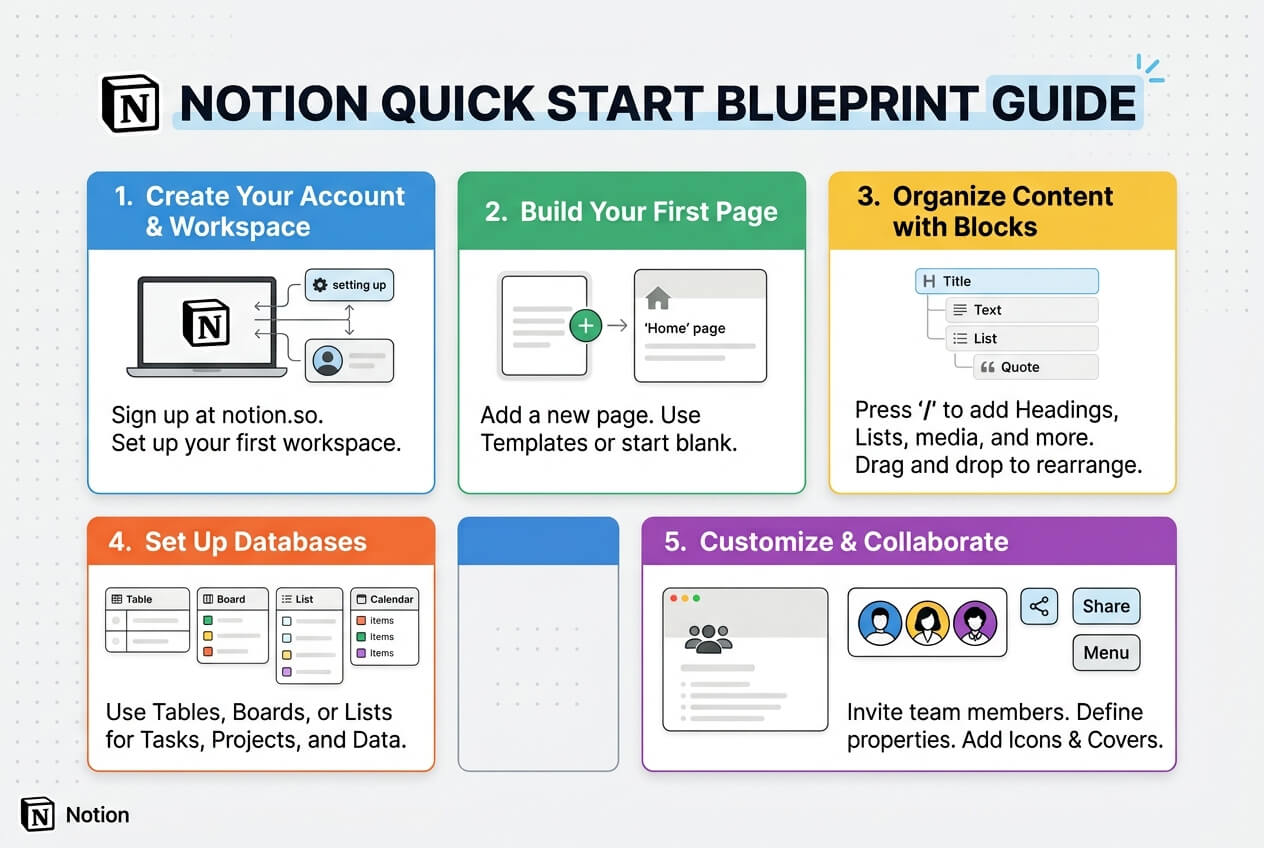
Bonus 02
Quick Start Blueprint: "I bought the course. Now what"?
Bonus 03
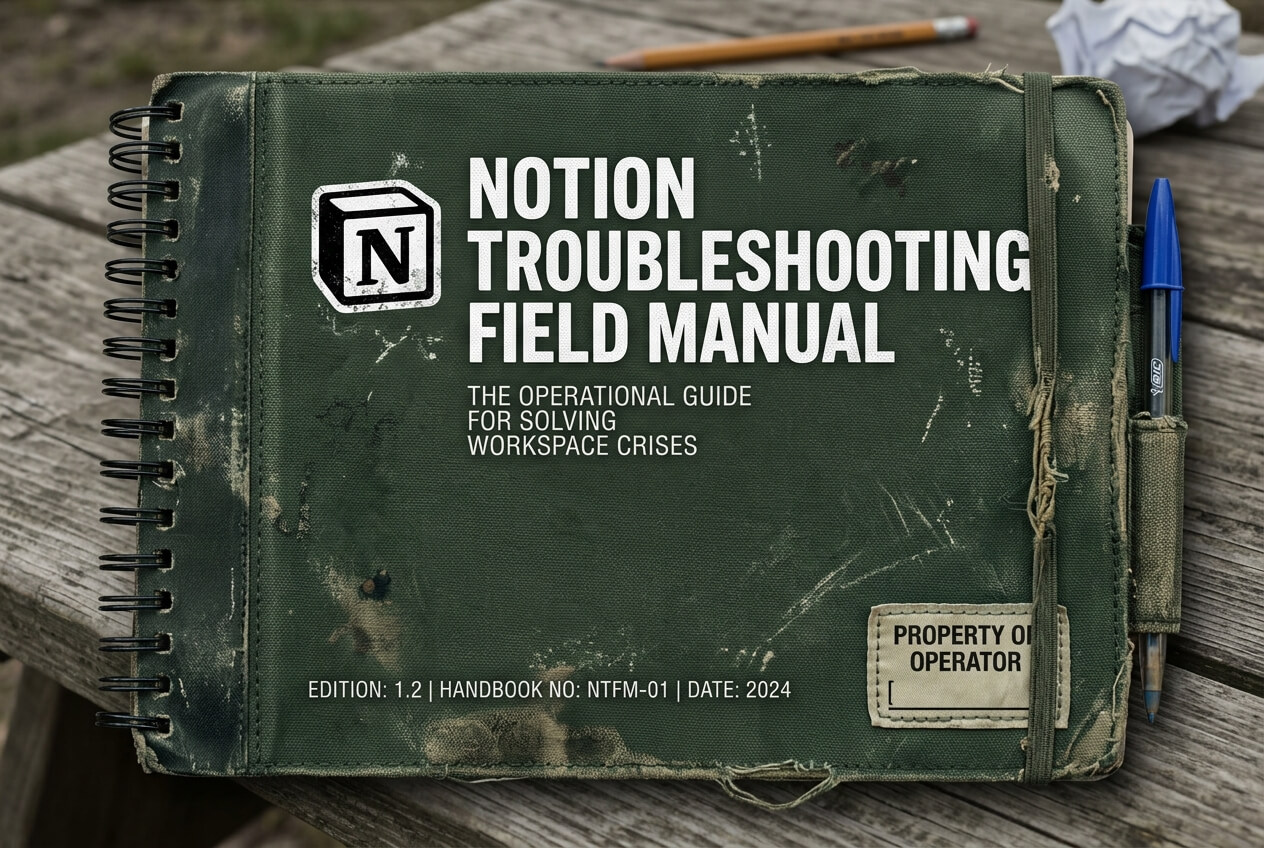
Field Manual: problem - likely cause - fix - prevention!
Bonus 04
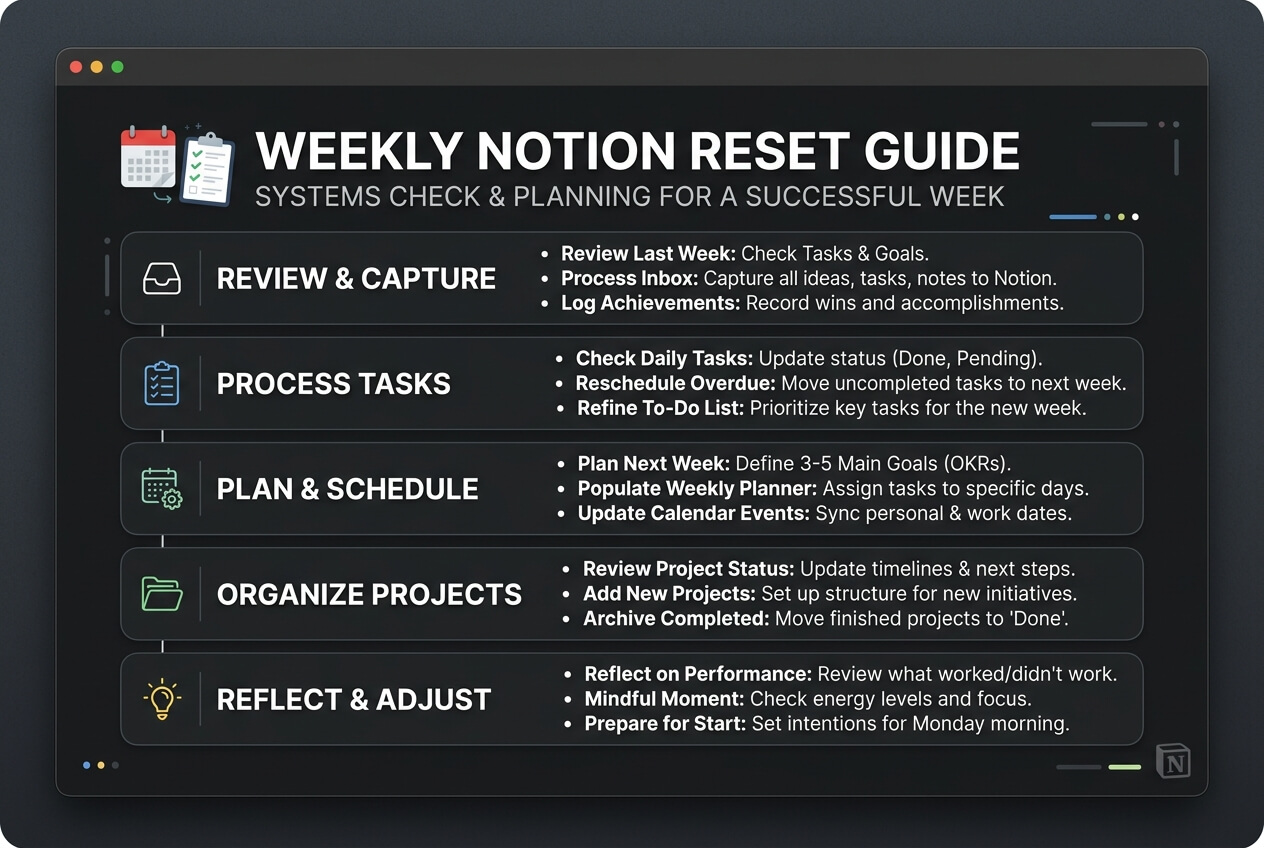
Weekly Reset Guide: how to keep Notion useful now and forever.
You are covered by a 30-day guarantee. 🔐

✓ Go from total beginner to confident Notion user in about 2 weeks
✓ Finally understand databases, views, filters and formulas (the part most people give up on)
✓ Build your own planners and trackers instead of copying ones you don't understand

✓ Get 31+ ready-made templates to use right away
✓ Learn from a course updated every 30 days, so what you see matches your screen in 2026
✓ Lifetime access: go back to any lesson whenever you need it

Hello!
I'm Taki
(with my husband, Greg's, support)
When I first opened Notion, I stared at a blank page and had no idea what to do with it. Everyone online had these beautiful dashboards, and I couldn't even work out the difference between a page and a database.
What changed things was learning Notion in the right order. Once databases, views and filters made sense, everything else fell into place. Suddenly I could build what I needed instead of hunting for the "perfect template".
Today I make step-by-step Notion tutorials for beginners. Every week I see the same questions: "Why did my tasks disappear?", "Should this be a page or a database?", "How do I make a calendar?". This course answers all of them, in a sensible order.
I'm recommending it because it's the most up-to-date, beginner-friendly Notion course I've found at this price. It's for you if you're brand new to Notion, if you want a real productivity system, or if you already use Notion and know you're only scratching the surface.
Testimonials
What People Say About These Courses!

Yasemin
Freelancer
As a freelancer I found that this course touched upon a lot of the topics that are relevant for me. I liked the structure, the content, the tips and tricks and am grateful for the templates that are a useful start into some of the topics!

Longinus
Student
The presenters were absolutely stunning. They explained the lecture as a highly experienced professional. Made the lectures easy than I initially thought. Weldon guys

Alec
Student
I loved the course! Everything was so well explained and super useful. Learnt many things!
Let's Remind You of Everything You'll Get in Notion Basics to Advanced 2026!
42 step-by-step video lessons (7+ hours)
Notion Pages & Advanced Customization
Notion Databases & Advanced Database Features
Notion Forms, AI & Productivity Hotkeys
Notion for Teams & Integrations (Google Drive, Slack, Zapier, ChatGPT)
31+ Pre-Built Notion Templates
Monthly updates, lifetime access and a certificate of completion
Today's Price: $9.99
Your new Notion workspace could already be taking shape tomorrow… if you start now.
This course is normally $19.99 on Udemy - today, it's just $9.99.
But hurry — these discounts don’t last forever ⏰
You are covered by a 30-day guarantee. 🔐
FAQ
Frequently Asked Questions
It's a video course on Udemy. You watch the lessons at your own pace and build your workspace as you go. You keep lifetime access, so you can come back any time.
No. It starts from zero: what Notion is and how to set up your account. The advanced parts come later, once you're ready.
Very likely. The second half covers advanced databases, formulas, forms, AI, team features and integrations, which most self-taught users never touch.
The course is designed to take you from beginner to confident in about 2 weeks. Most people have their first useful page set up on day one.
Udemy gives you a full refund within 30 days of enrolling. No risk.
No. The course even explains free vs paid at the start. All you need is a computer (or phone) and Wi-Fi.
Home - Privacy Policy - About - Contact - Affiliate Disclosure
© Copyright 2026 - All rights reserved